Partners and invoicing - customers, suppliers, invoices
The Partners module holds the partners (customers and suppliers), and Sales / Purchases issues and receives invoices. Together they cover the whole commercial cycle: from partner to invoice, to payment, to booking.
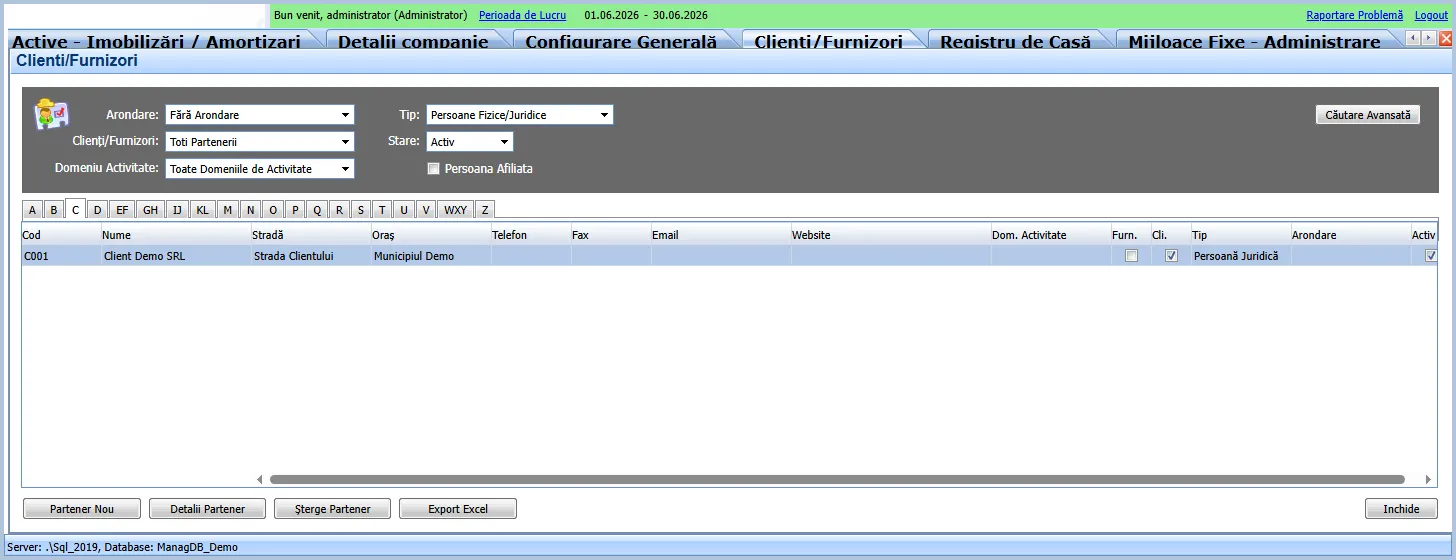
Partners
Section titled “Partners”- A partner can be a customer, a supplier, or both (marked by the Customer/Supplier fields).
- It has identification data (name, fiscal code, address) and an accounting category that gives it its account (customers on 4111, suppliers on 401).
- You can track overdue items and penalties, contracts and payment terms.
Issued invoices (sales)
Section titled “Issued invoices (sales)”- You issue an invoice to a customer: pick the partner, add lines (product/service, quantity, price, VAT rate 21% or 11%).
- The invoice enters the Issued Invoices list and the due-date tracking.
- The revenue Centralizer turns it into an accounting note (4111 from 707 for the value, 4111 from 4427 for VAT). See Automatic accounting - the Centralizer.
Received invoices (purchases)
Section titled “Received invoices (purchases)”- Supplier invoices are taken into Received Invoices, manually or via e-Factura (automatic pull from ANAF, identifying the supplier by fiscal code).
- They are centralized on the expense/purchase side (class 6 / stock, with deductible VAT on 4426).
Receipts and payments
Section titled “Receipts and payments”- Collecting an invoice is done in Financial (cash/bank); payment reduces the partner balance.
- The app links the receipt to the invoice and updates overdue items.
e-Factura (ANAF)
Section titled “e-Factura (ANAF)”- Sending issued invoices and receiving supplier invoices through the ANAF system, with automatic refresh of the authentication token. The received-invoice inbox (review, import into an invoice, reject) is at Utilities > Receive Supplier Invoices (e-Factura); setup is in Admin / Setup > General Settings > Configuration > eFactura.
- Full detail on both flows: see the dedicated page e-Factura (ANAF).
What the accountant sees
Section titled “What the accountant sees”- Sales and purchase notes appear auto-generated in the journal.
- VAT collected (4427) and deductible (4426) accumulate through the month and are settled at closing into 4423 (to pay) or 4424 (to recover).